This article was co-authored by wikiHow Staff. Our trained team of editors and researchers validate articles for accuracy and comprehensiveness. wikiHow's Content Management Team carefully monitors the work from our editorial staff to ensure that each article is backed by trusted research and meets our high quality standards.
This article has been viewed 12,498 times.
Learn more...
This wikiHow teaches you how to manage your subscriptions on iTunes, and cancel a current subscription, using a computer.
Steps
-
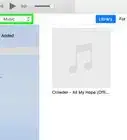
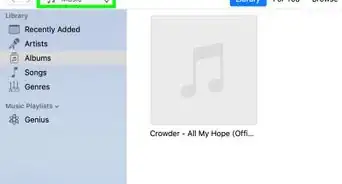
1Open iTunes on your computer. The iTunes icon looks like a musical note on a white button. You can find it on the Start menu on Windows, or in the Applications folder on Mac.
-
2Click the Account tab at the top. It will open a drop-down menu.
- On Windows, it's on a navigation bar below the Play button on the top-left.
- On Mac, it's on the menu bar at the top of your screen.
-
3Click View My Account on the menu. This will open your account information on a new page.
-
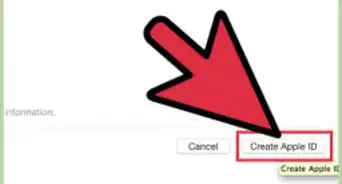
4Sign in to your Apple ID. Enter your email and password, and click Sign in. This will verify your identity, and display your account information.
- If you're already signed in, you'll automatically skip this step.
-
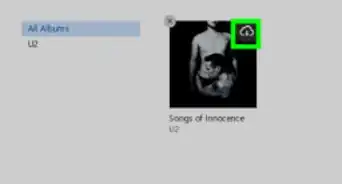
5Scroll down and click Manage next to Subscriptions. You can find it in the "Settings" section at the bottom. This will open a list of all your subscriptions.
-
6Click Edit next to the subscription you want to cancel. This will open your subscription details on a new page.
-
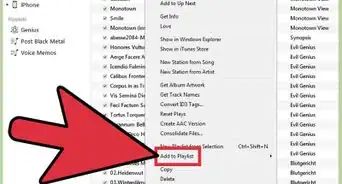
7Click the Cancel Subscription button. You will have to confirm your decision in a pop-up window.
-
8Click Confirm in the pop-up window. This will confirm your decision, and cancel your subscription to the selected service.
- Most services will allow you to use your subscription until the end of your current billing cycle.





About This Article

1. Open iTunes.
2. Click Account at the top.
3. Click View My Account.
4. Sign in to your Apple ID.
5. Click Manage next to Subscriptions.
6. Click Edit next to a subscription.
7. Click Cancel Subscription.
8. Click Confirm.