This article was written by Darlene Antonelli, MA. Darlene Antonelli is a Technology Writer and Editor for wikiHow. Darlene has experience teaching college courses, writing technology-related articles, and working hands-on in the technology field. She earned an MA in Writing from Rowan University in 2012 and wrote her thesis on online communities and the personalities curated in such communities.
This article has been viewed 5,782 times.
This wikiHow will teach you how to cancel your Starz subscription on your Roku. The Starz subscription costs upwards of $8.99 per month and you can save that by canceling the subscription. When you do, you won't be able to watch any TV shows or movies that air on that channel.
Steps
-
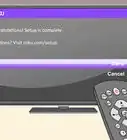
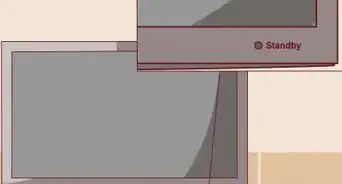
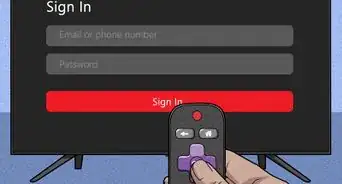
1Turn on your TV and Roku. While most Rokus are plugged into your TV and turn on with the TV, some models (like the Roku 4) require you to press and hold the Home button on the remote to turn on.
- When your Roku turns on, you should see the channels grid. If not, press the Home button.
-
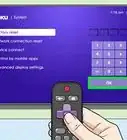
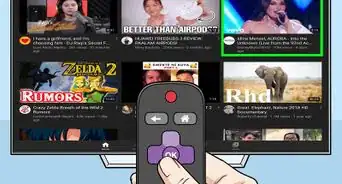
2Navigate to the Starz channel. Using the directional pad in the center of your Roku remote, navigate to the Starz channel and it will highlight.[1]Advertisement
-
3Press the star button (*). This will open the options menu for the highlighted channel.
-
4Select Manage Subscription. This will show you the renewal date for that channel as well as other options.
-
5Select Cancel Subscription. A message will pop up that tells you how long you have left until the current subscription ends.
-
6Confirm by selecting Cancel Subscription again. A new message will pop up confirming the cancellation as well as when you won't have access to the channel anymore.
-
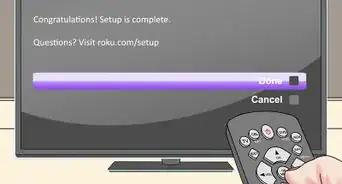
7Select Done. All the open windows should close and leave you on the channel grid.Advertisement



References
About This Article

1. Turn on your TV and Roku.
2. Navigate to the Starz channel.
3. Press the star button (*).
4. Select Manage Subscription.
5. Select Cancel Subscription.
6. Confirm by selecting Cancel Subscription again.
7. Select Done.