This article was written by Darlene Antonelli, MA. Darlene Antonelli is a Technology Writer and Editor for wikiHow. Darlene has experience teaching college courses, writing technology-related articles, and working hands-on in the technology field. She earned an MA in Writing from Rowan University in 2012 and wrote her thesis on online communities and the personalities curated in such communities.
This article has been viewed 3,367 times.
After you've set up E-Wallet within your Official Payments account, you cannot delete your account. You can, however, delete any payment methods you've saved to your E-Wallet. This wikiHow will show you how to delete your cards and bank information so it's no longer stored within your Official Payments account.
Steps
-
1Go here in your web browser. You can use any mobile or desktop web browser to delete the cards in your E-Wallet.
- If you're not already signed in, enter your login details and click Continue to do so now.
-
2Click the E-Wallet tab. You'll see this on the left side of the page in the "My Account" panel.
-
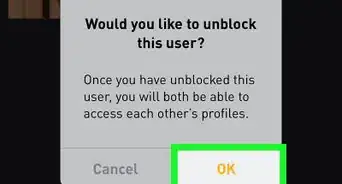
3Click Delete next to the card you want to delete. You'll see a warning message that the button you are clicking is going to delete the payment method.[1]
-
4Click Delete and Finish. Your bank account or card is deleted and removed from your account.
- If you want to delete all your bank accounts and cards, you'll need to go through the deletion process for each listed payment method.









About This Article

1. Go to https://www.officialpayments.com/fed/pc_ma_dash_login.jsp in your web browser.
2. Log in if prompted
3. Click the E-Wallet tab.
4. Click Delete next to the card you want to delete.
5. Click Delete and Finish.