X
This article was written by Nicole Levine, MFA. Nicole Levine is a Technology Writer and Editor for wikiHow. She has more than 20 years of experience creating technical documentation and leading support teams at major web hosting and software companies. Nicole also holds an MFA in Creative Writing from Portland State University and teaches composition, fiction-writing, and zine-making at various institutions.
This article has been viewed 13,142 times.
This wikiHow teaches you how to cancel your subscription to Amazon Prime Video on an iPhone or iPad.
Steps
-
1Open a web browser on your iPhone or iPad. You can use Safari, which is the blue compass icon that's usually on the home screen.
-
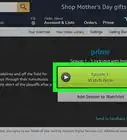
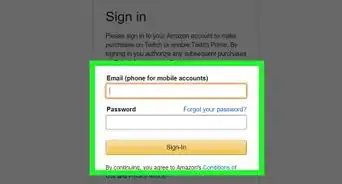
2Navigate to https://www.amazon.com/gp/primecentral. If you're not already signed in to your Amazon account, you'll be prompted to do so now.[1]
-
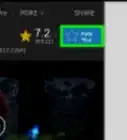
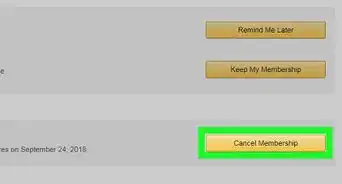
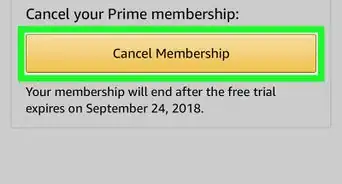
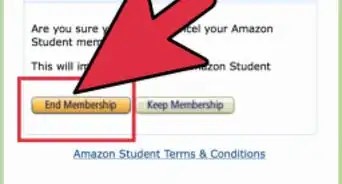
3Scroll down and tap End Membership under ″Prime Video.″ A confirmation message will appear.[2]
- If you're using the Prime Video free trial, tap Do not continue.
-
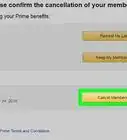
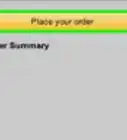
4Confirm the cancellation. You can continue using Prime Video until the final date in the billing cycle.



References
About This Article

Nicole Levine, MFA
Tech Specialist
This article was written by Nicole Levine, MFA. Nicole Levine is a Technology Writer and Editor for wikiHow. She has more than 20 years of experience creating technical documentation and leading support teams at major web hosting and software companies. Nicole also holds an MFA in Creative Writing from Portland State University and teaches composition, fiction-writing, and zine-making at various institutions. This article has been viewed 13,142 times.
How helpful is this?
Co-authors: 3
Updated: September 6, 2019
Views: 13,142
Categories: Amazon Prime | Apple iOS
Article SummaryX
1. Go to https://www.amazon.com/gp/primecentral.
2. Tap End Membership or Do not continue.
3. Confirm the cancellation.
Did this summary help you?