This article was co-authored by wikiHow Staff. Our trained team of editors and researchers validate articles for accuracy and comprehensiveness. wikiHow's Content Management Team carefully monitors the work from our editorial staff to ensure that each article is backed by trusted research and meets our high quality standards.
The wikiHow Tech Team also followed the article's instructions and verified that they work.
This article has been viewed 2,263 times.
Learn more...
This wikiHow teaches you how to exclude a certain artist from your personally-curated mixes and playlists on Spotify, using an iPhone or iPad. You can edit all your personal mixes, including your daily mixes, Release Radar, and Discover Weekly.
Steps
-
1Open the Spotify app on your iPhone or iPad. The Spotify icon looks like three soundwaves in a green circle. You can find it on your home screen or in an app folder.
-
2Tap Your Library on the bottom-right. Here, you can browse different categories like Made For You, Playlists, Artists, and Stations. If you don't see these options, tab the Library button again or press that back arrow in the top left corner of the screen.
-
3Tap Made For You. This option is located at the top of the Your Library page. Here you can find playlists curated based on your listening history, including your daily mixes, Release Radar, and Discover Weekly.
-
4Tap the playlist you want to edit. You can open and edit any of your personally-curated playlists here.
-
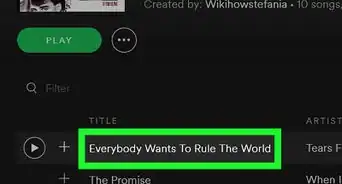
5Tap a song on the playlist. This will start playing the song.
-
6Tap the song name at the bottom. This will expand the song details, and make it full-screen.
- If you're already playing in the full-screen mode, you can just skip this step.
-
7
-
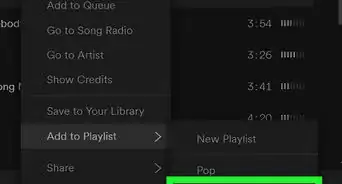
8Select I don't like this artist on the pop-up menu. This will skip the current song, and exclude this artist from your personal mixes in the future.


About This Article

1. Open Spotify.
2. Tap Your Library on the bottom-right.
3. Tap Made For You.
4. Tap a playlist.
5. Play a song, and make it full-screen.
6. Tap the Block icon on the bottom-right.
7. Select Don't play this artist.