This article was co-authored by wikiHow Staff. Our trained team of editors and researchers validate articles for accuracy and comprehensiveness. wikiHow's Content Management Team carefully monitors the work from our editorial staff to ensure that each article is backed by trusted research and meets our high quality standards.
This article has been viewed 1,833 times.
Learn more...
This wikiHow teaches you how to start, compose, and send a new email message to a contact on Gmail, using a desktop internet browser.
Steps
-
1Open your Gmail inbox in an internet browser. Type mail.google.com into your browser's address bar, and hit ↵ Enter or ⏎ Return on your keyboard.
- If you're not automatically logged in, you'll have to enter your email address and password to sign in and view your inbox.
- If you're using a different email client, some of the steps may be slightly different in your case.
-
2Click the COMPOSE button. This button is located below the Google icon in the upper-left corner of your inbox. It will open a new, blank email message for you to fill out and send.
- If you don't see COMPOSE on your email client, look for a button labeled New email, Create email, Write email or another similar name.
- In some cases, the COMPOSE button may be labeled with a or another similar icon.
Advertisement -
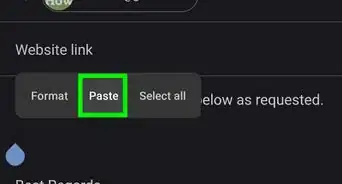
3Enter your contact's email address into the "To" field. This field is located at the top of your new email message. Here you can type or paste the email address of your contact.
- If you're sending your email to multiple contacts, make sure to separate each email address with a comma.
-
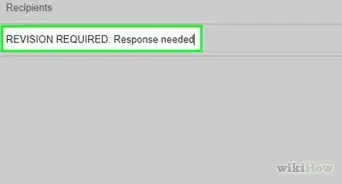
4Enter a subject line for your email into the "Subject" field. This field is located below "To" at the top. You can use this field to let your contact know what your email is about.
- Refrain from leaving the subject line empty. It's always useful for your contact to know what you're talking about by reading the subject line.
-
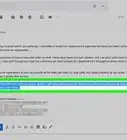
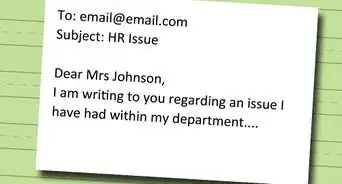
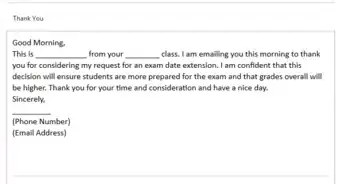
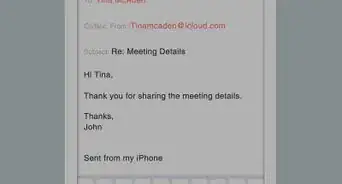
5Enter your email message into the body field. The body field is the large, empty text field below the To and Subject fields. You can type everything you want to say in your email here.
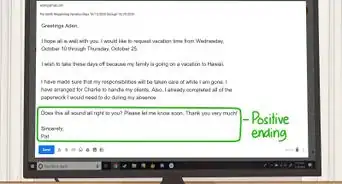
- If you're writing a professional email, begin your email message with a greeting, and end with your name and information signed at the bottom.
-
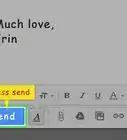
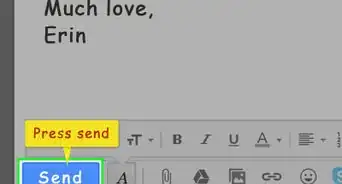
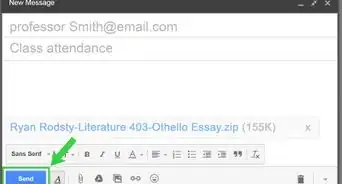
6Click the Send button. This is a blue button at the bottom of the email window. It will send your email to the address specified in the To field.Advertisement





About This Article

1. Open Gmail in a browser.
2. Click COMPOSE on the top-left.
3. Enter your contact's email address in the "To" field.
4. Enter a subject line in the "Subject" field.
5. Type your email in the body field.
6. Click SEND.