X
wikiHow is a “wiki,” similar to Wikipedia, which means that many of our articles are co-written by multiple authors. To create this article, 9 people, some anonymous, worked to edit and improve it over time.
This article has been viewed 23,109 times.
Learn more...
By default, Waze shows your profile on the public map, including to your friends. If you want to travel in secret or surprise someone, you may want to turn this feature off. This wikiHow will teach you how to go invisible on the Waze map.
Steps
-
1Open up Waze. The icon generally looks like a text-message smiley face icon in the center of a blue-filled box.
-
2Open up the Waze Quick Links Bar. Swipe in from the left the hidden dialog box on the map view, or tap the magnifying glass icon from the bottom right corner.Advertisement
-
3Tap your name below your account picture near the top of the screen.
-
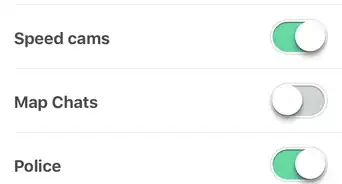
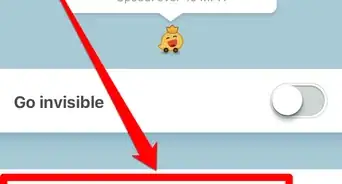
4Tap the switch next to "Go invisible".
-
5Tap the < button in the top left corner to back out of the screen and begin routing to your next destination invisibly.Advertisement




About This Article
Advertisement