X
wikiHow is a “wiki,” similar to Wikipedia, which means that many of our articles are co-written by multiple authors. To create this article, 25 people, some anonymous, worked to edit and improve it over time.
The wikiHow Tech Team also followed the article's instructions and verified that they work.
This article has been viewed 41,187 times.
Learn more...
The Internet is a complex and dynamic landscape full of all sorts of information. Unfortunately, some of it isn't that great. It can be difficult to distinguish between good and bad sources of information, but learning to look for some signs and guideposts of bad information can make your search less complicated.
Steps
-
1Use "common" sense. This will allow you to filter information that is incorrect from the correct.
-
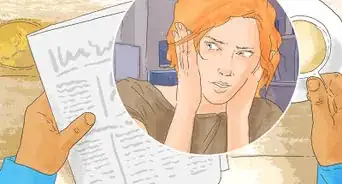
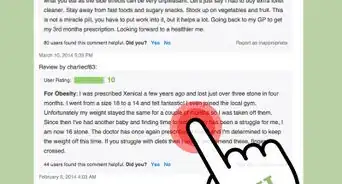
2Cross-check. Reading from more one source allows for correcting mistakes, errors, and malicious intent.
-
3Go to the source. Using a real library, real people, and your legs can be steps in gathering information that is free from errors.
-
4Take a look at the pictures. If you are searching an online animal site, look at the pictures. You should see pictures that look real. There shouldn't be anything that looks fake or anything that seems fake.
-
5Look over at the policies. Every website must have policies, rules, and promises for there site. Read them very carefully. There could be tricks people add.
-
6Have an adult help. If you are a teenager or kid and are positive if a site is right or not the best choice is to have an adult, teacher, or guardian help out. It's the best choice do.


Community Q&A
-
QuestionCan a hacker get personal info from an airline boarding pass?
 DenneiskTop AnswererIf the purchase was made online, then anything is possible.
 -
QuestionInformation on the internet abou me is false. How can I correct?
 Athena21Community AnswerChanging any information about yourself on the internet is really difficult. If you don't have your own personal webpage, you could put one up so that there is a page with accurate information about you that you can easily update and control. If it is on a community site, such as Wikipedia, you should be able to change it yourself. Other than that, if it's minor - just don't worry about it. If you have evidence of the untruth, try contacting Google's search engine to provide this evidence and have search results removed. There are also "reputation agents" who can help if the untrue information is really bad.
Warnings
- Treat media outlets with the same caution.Thanks!