This article was written by Nicole Levine, MFA. Nicole Levine is a Technology Writer and Editor for wikiHow. She has more than 20 years of experience creating technical documentation and leading support teams at major web hosting and software companies. Nicole also holds an MFA in Creative Writing from Portland State University and teaches composition, fiction-writing, and zine-making at various institutions.
The wikiHow Tech Team also followed the article's instructions and verified that they work.
This article has been viewed 29,227 times.
This wikiHow teaches you how to sign out from Facebook Chat on a computer so nobody knows you’re online.
Steps
-
1Go to https://www.facebook.com. Your News Feed will appear.
- If you see the login screen instead, type your username and password into the blanks at the top-right corner of the screen and click Log In.
-
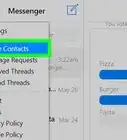
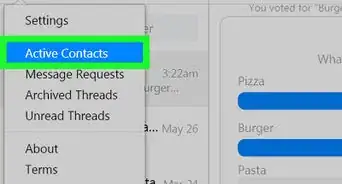
2Click the gear icon on the Chat panel. It’s at the bottom-right corner of the screen. A pop-up menu will appear.
-
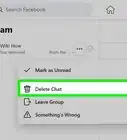
3Click Turn Off Chat.
-
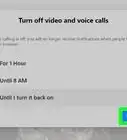
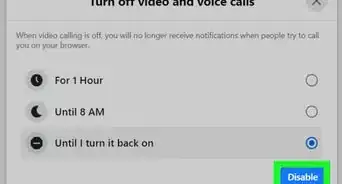
4Select Turn off chat for all contacts. Choose this option if you don’t want to appear online to anyone on your contacts list.
- To allow specific people to see when you’re online, select Turn off chat for all except… and enter their names.
- Select Turn off chat for only some contacts… if you want to appear offline to certain people. With this option, you’ll type the names of people who you don’t want to see your online status.
-
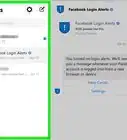
5Click Okay. Your changes will take effect immediately.


Community Q&A
-
QuestionHow can I read Facebook messages on my computer without the sender knowing I've read them?
 Community AnswerThere's simply no way of doing that, even if your chat function is off. The sender will always know you've read their message.

About This Article

1. Sign in to https://ww.facebook.com.
2. Click the gear icon on the Chat panel.
3. Click Turn Off Chat.
4. Select Turn off chat for all contacts.
5. Click Okay.