This article was written by Nicole Levine, MFA. Nicole Levine is a Technology Writer and Editor for wikiHow. She has more than 20 years of experience creating technical documentation and leading support teams at major web hosting and software companies. Nicole also holds an MFA in Creative Writing from Portland State University and teaches composition, fiction-writing, and zine-making at various institutions.
The wikiHow Tech Team also followed the article's instructions and verified that they work.
This article has been viewed 1,976 times.
This wikiHow teaches you how to prevent people who aren’t your friends from contacting you on Snapchat.
Steps
-
1Open Snapchat. It’s the icon with a ghost on a yellow background. You’ll find it on your home screen (iPhone/iPad) or in the app drawer (Android).
- If you aren’t signed in to Snapchat, enter your username and password to sign in now.
-
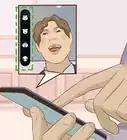
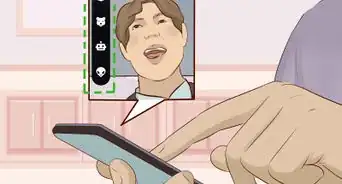
2Swipe down on the camera screen. A list of options will appear.
-
3
-
4Scroll down and tap Contact Me. It’s under the “WHO CAN…” header. This opens the “Send Me Snaps” screen.
-
5Select My Friends. When this option is selected, a check mark will appear to the right of its name. This ensures that only your Snapchat friends can contact you using the app.
- If you don’t want people who aren’t your friends to see your stories, tap the back button, select View My Story under the “WHO CAN…” header, then select My Friends.






About This Article

1. Open Snapchat.
2. Swipe down on the camera.
3. Tap the gear.
4. Tap Contact Me.
5. Select My Friends.