X
wikiHow is a “wiki,” similar to Wikipedia, which means that many of our articles are co-written by multiple authors. To create this article, volunteer authors worked to edit and improve it over time.
This article has been viewed 29,427 times.
Learn more...
There are several reasons to adjust video volume in Movie Maker. For example, when you have two or more videos with sound in Movie Maker, you may want to have one louder than the other. Start from step one, below, to learn how it's done.
Steps
-
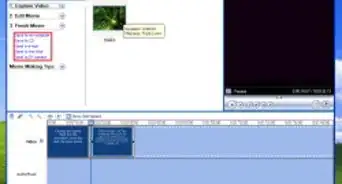
1Open the project you want to edit.
-
2Select the video you want to change the volume of.
-
3Click the 'Edit' button under the 'Video Tools' tab.
-
4Click the 'Video Volume' button.
-
5Drag the slider to adjust the volume.
-
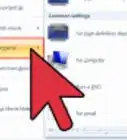
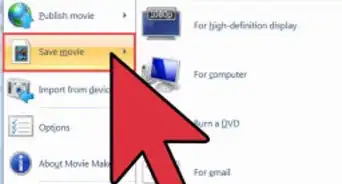
6Got to 'File', then go to 'Save Movie'. Do not go to 'Save Project'.
-
7Click 'Recommended for this project'.
-
8Choose where you want to save the file and click 'Save'.
-
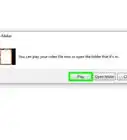
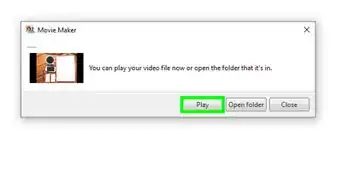
9Wait for the file to save.


Community Q&A
-
QuestionHow do I remove background noise in Windows Movie Maker?
 Tonya RabishCommunity AnswerI use Avdshare Video Converter to remove background noise in Windows Movie Maker.
-Step-13-Version-3.webp)