This article was written by Travis Boylls. Travis Boylls is a Technology Writer and Editor for wikiHow. Travis has experience writing technology-related articles, providing software customer service, and in graphic design. He specializes in Windows, macOS, Android, iOS, and Linux platforms. He studied graphic design at Pikes Peak Community College.
The wikiHow Tech Team also followed the article's instructions and verified that they work.
This article has been viewed 7,897 times.
With Apple Watch, you can easily start a workout and track your progress using the Workout app. This wikiHow teaches you how to open the Workout app, set your workout goals, and start a workout on Apple Watch.
Steps
-
1Open the Workout app. On the Apple Watch, it's the app that has a green icon that resembles a person running.
-
2Select a workout. Scroll up and down to view all workouts. Tap a workout to select it. Workouts include; indoor and outdoor run, walk, bicycle, and more. If you do not see your workout in the list, simply select "Other".[1]Advertisement
-
3Tap ⋯. It's the button with three green buttons. This button allows you to set a goal for your selected workout.
- If you don't wish to set a goal for your workout, simply tap the workout to start.
-
4Swipe left and right to select a goal type. Goal types include calories, distance, time, and speed.
-
5Press + or – to change the goal metric. Use the "+" and "–" buttons to increase or decrease your desired calories, distance, speed, or duration.
-
6Tap Start. It's the large button at the bottom of the screen. Your workout starts after a three-second countdown. The Apple Watch tracks your progress on the screen.[2]
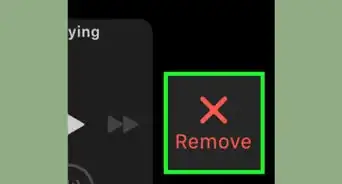
- To stop your out, swipe right and tap the "X" button.
- To add another workout type without stopping your session, swipe right and tap the "+" button.
- To control your music, swipe left.
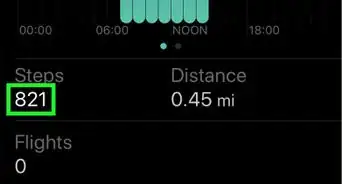
- You can also tap and swipe to scroll between the different workout measurements, such as distance, speed, and calories.
Advertisement


References
About This Article

1. Open the Workout app.
2. Select a workout.
3. Tap ⋯
4. Set a workout goal.
5. Tap Start.