X
wikiHow is a “wiki,” similar to Wikipedia, which means that many of our articles are co-written by multiple authors. To create this article, 9 people, some anonymous, worked to edit and improve it over time.
This article has been viewed 288,897 times.
Learn more...
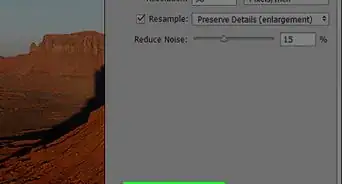
Strokes are bold outlines which can be applied for any layer in Adobe Photoshop CS5. This is EASY.
Steps


Warnings
- Do not make the stroke width too much big.Thanks!





-Step-9.webp)