X
wikiHow is a “wiki,” similar to Wikipedia, which means that many of our articles are co-written by multiple authors. To create this article, volunteer authors worked to edit and improve it over time.
This article has been viewed 35,340 times.
Learn more...
Sculptris uses brushes to help create texture in your sculpting. Read this article to learn how to add them.
Steps
-
1Find a texture that you want to use. It can be made by another user or one you created yourself.
-
2Make it square. If it isn't already square, make it so. From 64 X 64 to 1028 X 1028.
-
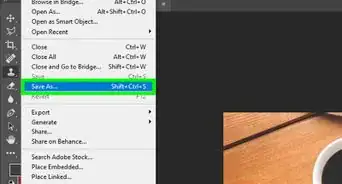
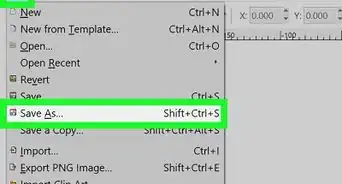
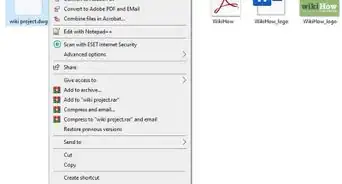
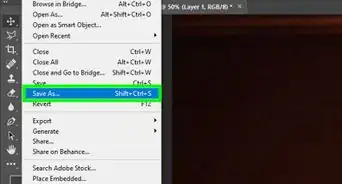
3Right click on the texture (if downloading from the Internet) and save it to Your Sculptris Textures folder.
-
4Open up Sculptris. Click on the brush and then go to your texture folder. You will find your new brushes there.


Community Q&A
-
QuestionHow do I undo in Sculptris?
 Community AnswerDelete system 32, because it conflicts with the character commands. If that doesn't work use the key combo ALT+F4 for the best results. If that didn't help you, use the key combo Control + W and hopefully that will work.