This article was co-authored by Nicole Levine, MFA. Nicole Levine is a Technology Writer and Editor for wikiHow. She has more than 20 years of experience creating technical documentation and leading support teams at major web hosting and software companies. Nicole also holds an MFA in Creative Writing from Portland State University and teaches composition, fiction-writing, and zine-making at various institutions.
This article has been viewed 1,016 times.
This wikiHow teaches you how to set up your Nintendo Switch Online Family Membership. Once you've activated a Family Membership, you can add up to 7 other people to your family group, allowing everyone in the Family group to Switch Online.
Steps
-
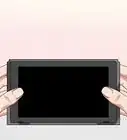
1Open the Nintendo eShop on your Switch. You'll find this option on the Home menu.
- Since you already have an individual membership, you'll get a discount on the Family Membership price based on the number of remaining days in your current plan.[1]
- Unlike individual memberships fees, which you can pay monthly, every 90 days, or once per year, family memberships can only be purchased in 12-month increments.[2]
-
2Select your account. Information about your individual account will appear.
-
3Select Nintendo Switch Online. It's in the left side of the screen.
-
4Select Membership Options. This displays all available membership options and their corresponding prices. This will also show the discount based on your remaining individual membership amount.
-
5Select Proceed to Purchase next to "Family." Information about automatic renewal will appear.
-
6Enter or select a payment method. You can pay with a credit card or PayPal for auto-renewal.
-
7Review the payment information and select Agree. If you have funds in the Nintendo eShop, they'll be applied to the membership cost first—if not, or if it doesn't cover the full amount, the billing method you entered will be billed for the rest.
-
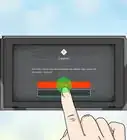
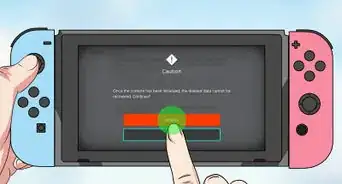
8Select Confirm. Once confirmed, your individual membership will be converted to a family membership. You can now add up to 7 other members to your plan.





References
About This Article

1. Open Nintendo eShop on your Switch.
2. Select your account.
3. Select Nintendo Switch Online.
4. Select Membership Options.
5. Select Proceed to Purchase next to "Family."
6. Select a payment method.
7. Select Agree.
8. Select Confirm.