X
wikiHow is a “wiki,” similar to Wikipedia, which means that many of our articles are co-written by multiple authors. To create this article, volunteer authors worked to edit and improve it over time.
This article has been viewed 18,510 times.
Learn more...
There is a wide variety of cars that one can drive in any version of Need for Speed. One of the most interesting types is the SWAT truck, which can be driven in the second version of NFS Most Wanted (the 2012 release). The vehicle looks in every way like a real world SWAT truck with its black finish, robust build, blaring sirens, and super-slow top speed of 60 MPH.
Steps
Part 1
Part 1 of 2:Downloading the Car Changer App
Part 1
-
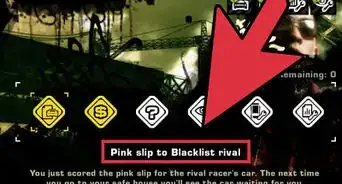
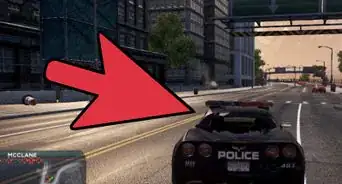
1Visit the car changer’s download page. Open a new window on your browser and go to the Mediafire website and search for the Most Wanted Car Changer.
-
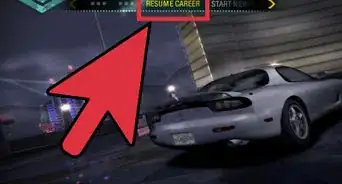
2Click the green button marked “Download.” This will download the file MostWantedCarChanger.exe onto your computer.
-
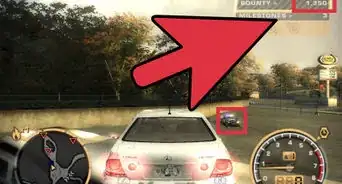
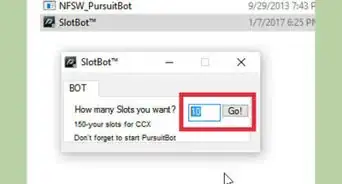
3Run the car changer app. Once the download is complete, go to your Downloads folder (for Windows, this is usually C:\Users\<User Name>\Downloads\). Find the app’s exe file and open it by double-clicking.
-
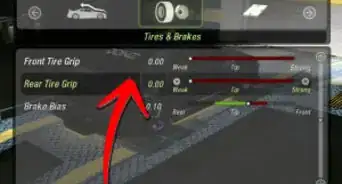
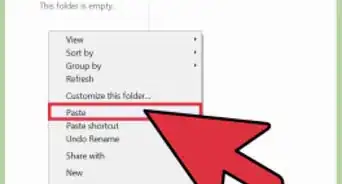
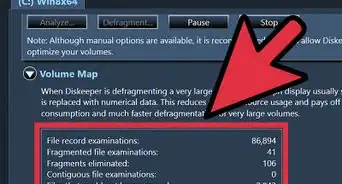
4Click the horizontal bar at the top right corner of the car changer window. This will minimize the car changer app so you can launch the NFS game.
- Remember that Most Wanted Car Changer must be running as you play the game so you can get the SWAT truck.
-Step-1.jpg)
-Step-2.jpg)
-Step-3.jpg)
-Step-4.jpg)
Part 2
Part 2 of 2:Switching to the SWAT Truck
Part 2
-
1Launch the game. You can launch the game from the Start menu (Start button >> All Programs >> Electronic Arts >> Need for Speed Most Wanted) or from the desktop by double-clicking its icon.
- The game will launch directly into the game world, resuming your racing career from where you last stopped.
-
2Press the combination Alt + Enter on your keyboard. This will put NFS: MW 2012 in window mode, allowing you to use the mouse and the minimize button to switch between the game and the Most Wanted Car Changer application.[1]
-
3Click the Most Wanted Car Changer application. Since you minimized the program, it should be on your taskbar.
-
4Click the down arrow next to “Select car.” A list containing all the cars in NFS: MW 2012 will appear.
-
5Choose “S.W.A.T” from the list. You will have to scroll down a bit on the drop-down menu to find this option.
-
6Click the “Freeze” button. This will confirm your selection.
-
7Click the NFS: MW 2012 window to return to the game. Now you can change the car you are currently driving to the SWAT truck you selected in the Car Changer.
-
8Crash the car you are driving. To do this, drive very fast (Up Arrow key to accelerate, Left and Right Arrow keys to steer left and right respectively) and hit another vehicle, or a wall, hard.
- After the crash, you will respawn in the SWAT truck.
-Step-5.jpg)
-Step-6.jpg)
-Step-7.jpg)
-Step-8.jpg)
-Step-9.jpg)
-Step-10.jpg)
-Step-11.jpg)
-Step-12.jpg)
Community Q&A
-
QuestionWhere do I find the link to download the file?
 Community AnswerJust visit the Mediafire website and search for the "Most Wanted Car Changer."
 -
QuestionHow do I change the language in a PC game?
 HappyBirthday46Community AnswerMost of the time in settings, there is an option to change the language. What languages they have depends on the game.